
Small teams lose focus time when meetings, client requests and task lists collide on the same calendar. This comparison of four AI scheduling assistants looks at how each one plans tasks and focus blocks, how much control you keep, what five seats really cost and how to pilot before committing.
Quick picks by use case
Comparison of 4 AI scheduling assistants
 Reclaim.ai
- Best for
- Small teams keeping their existing calendar and task manager
- Published pricing
- Lite free (1 user). Starter: USD 12/seat/month, or USD 10/seat/month billed annually. Business: USD 18 or 15 respectively.
- Scope
- Google Calendar and Outlook; Starter up to 10 seats, 8-week horizon; Asana, ClickUp, Todoist, Jira, Linear on paid plans
- Check before buying
- Starter calendar-sync count differs across official pages: confirm it at checkout
 Motion
- Best for
- Teams willing to adopt a combined task, project and calendar tool
- Published pricing
- Pro AI: USD 29/seat/month, or USD 19/seat/month billed annually. Business AI: USD 49 or 29 respectively.
- Scope
- Tasks, projects, calendar and meetings; 7,500 AI credits/seat/month on Pro, 15,000 plus capacity planning, Gantt and time tracking on Business
- Check before buying
- No public free plan verified; confirm the integrations you need before migrating
 Morgen
- Best for
- People who want the final say and one view across several calendars
- Published pricing
- Team, minimum 2 seats: USD 25/seat/month, or USD 10/seat/month billed annually. Individual: USD 30 or 15 respectively.
- Scope
- Google, Outlook and iCloud calendars plus task integrations; native Mac, Windows and Linux apps, mobile and browser
- Check before buying
- AI Planner asks you to preview and approve its suggested plan. Trial: 14 days, no card.
 Akiflow
- Best for
- Founders and operators centralizing task capture and using AI chat
- Published pricing
- Pro: USD 34/month, or USD 19/month billed annually (displayed offer). Team quote on request.
- Scope
- Universal Inbox, calendar, time blocking, Aki assistant and MCP connector; AI meeting assistant as a USD 19/month add-on
- Check before buying
- Confirm the yearly offer at checkout; the trial converts unless you cancel. The trial lasts 7 days and requires a card.
Reclaim.ai
Reclaim.ai: automatic focus time inside your current stack
The Reclaim planner page describes automatic scheduling of tasks, focus time and habits, rescheduling when plans shift, and an AI chat with human approval controls.
Choose Reclaim when nobody wants to leave their task manager. Automation is only as useful as the inputs, so set realistic durations and priorities, tune the scheduling intensity and decide explicitly which meetings it may move. Advanced team admin features are not all on Starter.
Motion
Motion: one workspace for tasks, projects and calendar
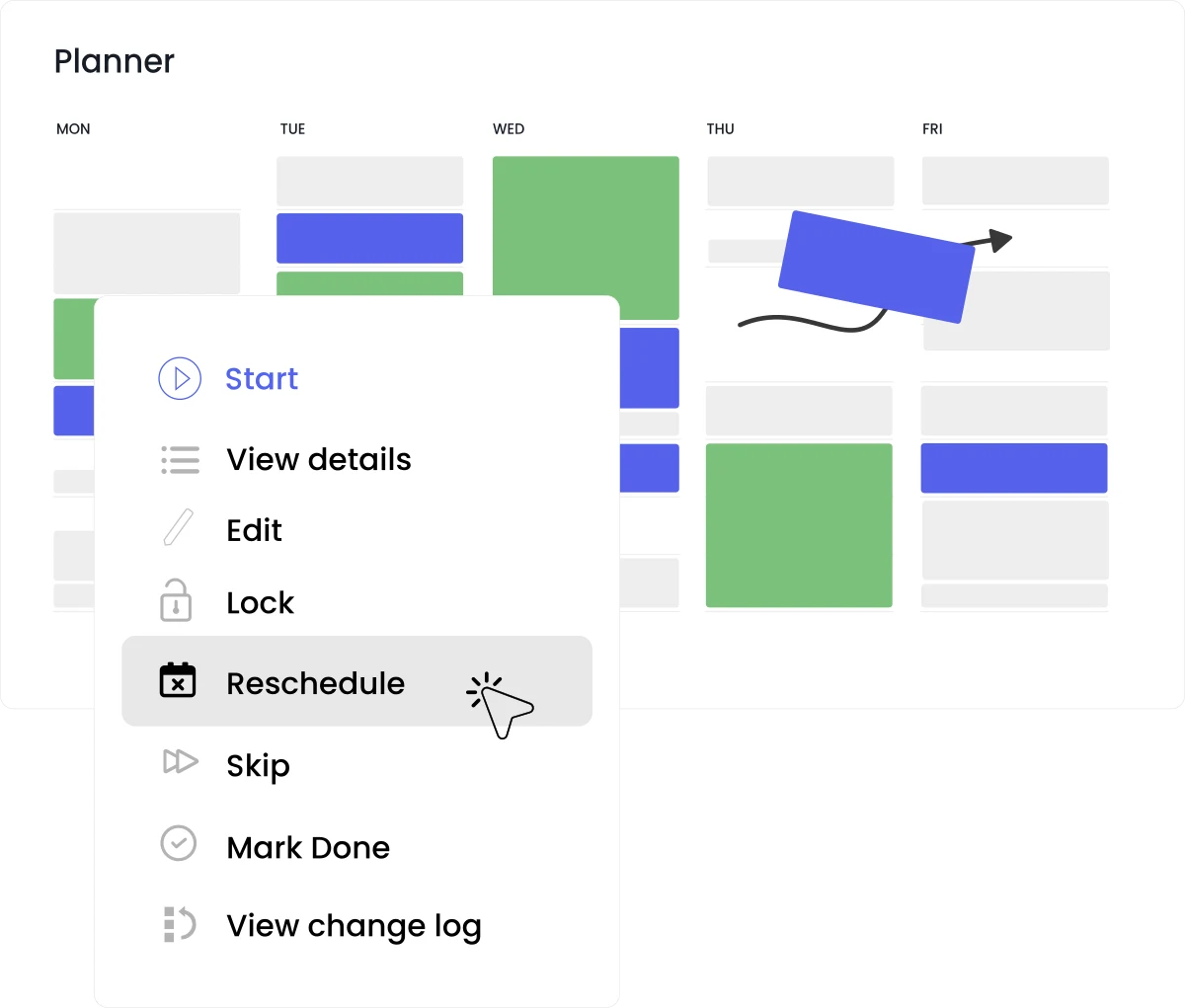
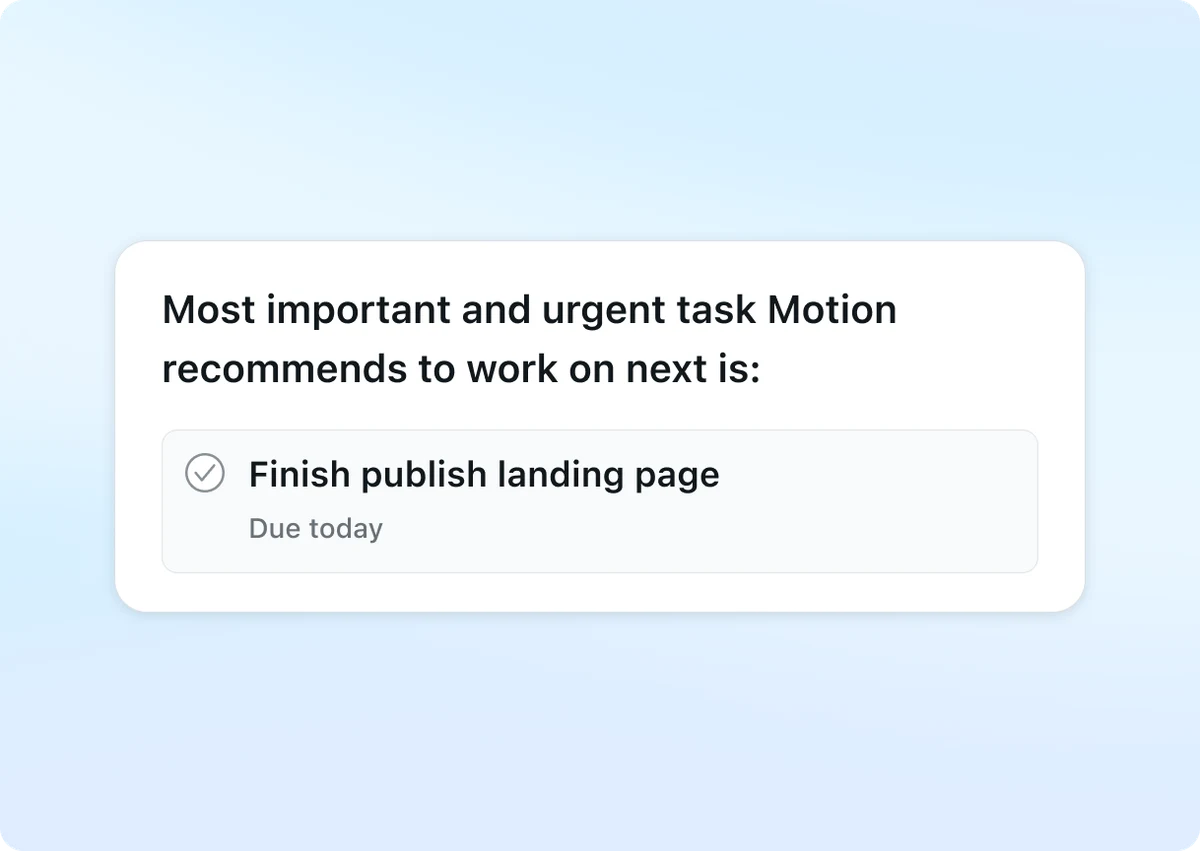
Motion’s AI calendar page says it prioritizes tasks automatically, alerts you to at-risk deadlines, schedules work from your task list and protects deep work.
Consider Motion if the team wants to manage tasks and projects inside the same workspace. Every task needs a priority, an estimate and a due date, so plan onboarding time. Ask the vendor how AI credits apply to your usage, since this page does not explain it.
Morgen
Morgen: AI suggestions you approve before they land
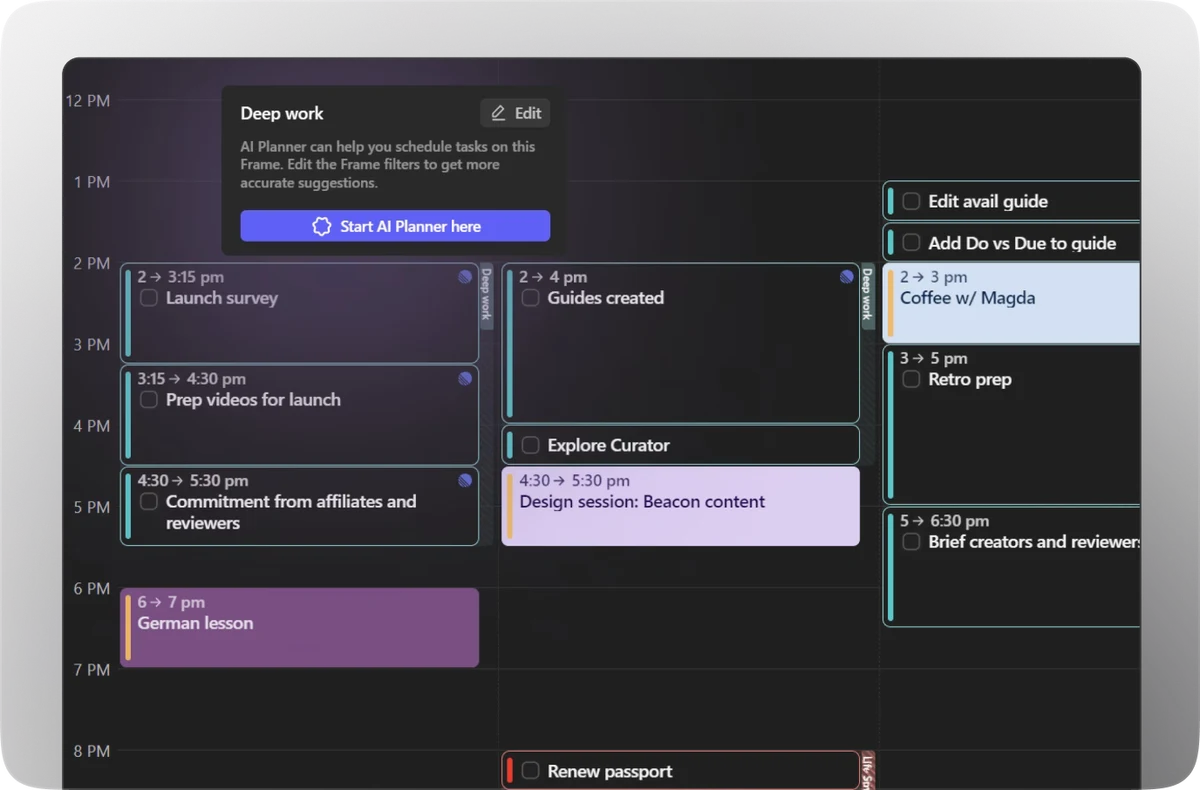
The Morgen AI Planner suggests time-blocked tasks around your calendars, uses Frames to reserve windows for task categories and alerts you to conflicts with one-click rescheduling.
Morgen AI Planner suits people who want to review a proposed day before applying it. Check which team controls your plan includes rather than assuming a team licence grants control over every colleague’s calendar. Agree on shared priorities together.
Akiflow
Akiflow: one inbox for tasks, with an AI assistant
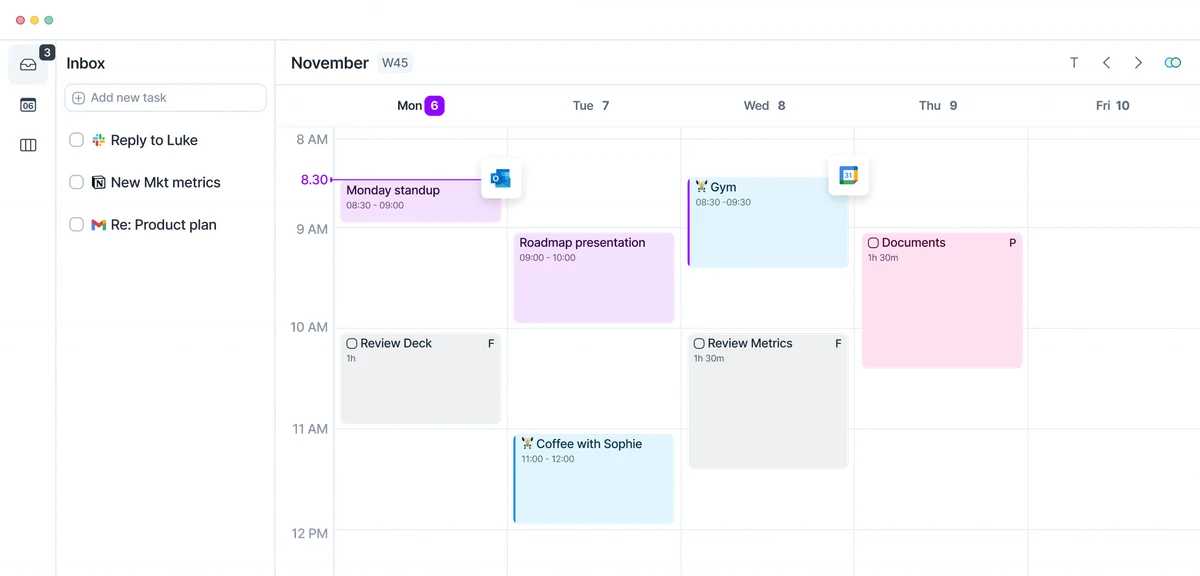
Akiflow pulls tasks from multiple tools into a Universal Inbox next to your calendar, with time blocking and Aki, its chat assistant.
Akiflow fits whoever captures tasks from email, chat and project tools all day. During the pilot, ask what Aki changes only when you request it versus on an ongoing basis, and remember that ChatGPT or Claude access through MCP needs a configured connection.
Decide how much autonomy the scheduler gets
Before comparing features, agree on what the tool is allowed to touch and on whose calendar.
- Separate private work blocks from client appointments: a scheduler may move your focus time, never a commitment made to a customer. Check Google, Outlook or Apple support, and have each colleague authorize their own calendar.
- Define fixed meetings, working hours, buffers and realistic task durations before switching anything on. These inputs shape the plan more than the brand you pick, and they make tools comparable.
- Let only one scheduler write to a calendar at a time, or two tools may reshuffle the same blocks in a loop. A team seat gives people the tool, not company-wide control over every agenda.
Five-person budget over 12 months
Illustrative calculations from list prices verified on 19 October 2026, in USD, before tax and without currency conversion.
- Reclaim Starter: 5 × 10 × 12 = USD 600 a year (about 50 a month), or 60 a month billed monthly. Morgen Team also reaches USD 600 a year on annual billing, but 125 a month monthly.
- Motion Pro: 5 × 19 × 12 = USD 1,140 a year (about 95 a month), or 145 monthly. Five individual annual Akiflow Pro licences also total USD 1,140, or 170 monthly: indicative only, ask sales for a team quote, meeting add-on excluded.
- Annual prices are monthly equivalents billed for the year; cancelling renewal is different from receiving a refund for unused months. Compare setup, migration and task-estimation time as well as features. Equal totals do not mean equal capabilities.
A seven-working-day pilot you can run
Try this seven-working-day pilot with real tasks before committing the whole team.
- Start with two volunteers and a baseline of daily planning minutes. Load real work: 10 tasks with durations and deadlines, fixed meetings and 2 protected focus blocks, then simulate a client rescheduling a meeting.
- Compare minutes of manual planning, priorities completed, unwanted moves and missed deadlines. Then add more work than fits and check that the tool flags the overload instead of inventing time.
- Keep the constraints that worked, cut redundant meetings and write a rollback plan to revoke access and restore blocks. Spend freed time on customers, decisions and fieldwork AI cannot replace, not on more meetings.
Where ChatGPT, Claude, Codex and Claude Code fit
General AI assistants work well around a scheduler, as an optional planning copilot whose output a human always reviews.
- Ask a chat assistant to turn a project brief into tasks with duration estimates, an owner and a due date. A standalone chat does not maintain your calendar; Akiflow’s documented MCP connection needs configuration and permissions.
- Codex or Claude Code can help build a custom integration when it is justified, but an off-the-shelf scheduler means far less maintenance to start. Nothing should change external client commitments without approval.
- Prompt to copy: Here are our three business priorities: [list]. Turn them into tasks with estimated duration, confidence level and dependencies. Fixed appointments: [list]. Plan within working hours and flag overload instead of inventing capacity. Leave out confidential client details by default.
Replacing Clockwise: rebuild the rules that matter
Clockwise is no longer an option for a new deployment. Its closure also makes older comparison lists worth checking carefully.
- The official Clockwise site states the product has been unavailable since March 27, 2026, as the team joins Salesforce. We do not recommend buying it and do not quote its old prices.
- Before enabling a replacement, check recurring appointments, working hours and public booking links. Ask how settings can be transferred, then test a small calendar scope before extending it to the team.
FAQ
Which AI scheduling assistant is best for my workflow?
It depends on how you work: Reclaim.ai if you keep your task manager, Motion for one combined workspace, Morgen if you approve every plan, Akiflow to centralize task capture with AI chat.
Do these tools have a free plan?
Reclaim Lite is free for one user, with a one-week horizon, one calendar sync and one scheduling link. Morgen and Akiflow offer trials, and we found no public Motion free plan.
Do they work with Google, Outlook and Apple calendars?
Reclaim supports Google Calendar and Outlook. Morgen lists Google, Outlook and iCloud. For Motion and Akiflow, check the current integrations page against your exact stack before buying seats.
Reclaim.ai or Motion: which should a small team pick?
Reclaim adds scheduling on top of your existing calendar and task tools. Motion asks you to adopt its own task, project and calendar workspace. The real question is your appetite for migration.
Does Morgen change my calendar without asking?
Morgen AI Planner asks you to preview and approve its proposed plan. Its documentation describes conflict alerts and one-click rescheduling after the plan is scheduled. Check any separate calendar automations you enable.
Can ChatGPT or Claude replace a dedicated scheduler?
They help break a brief into tasks and estimates, but a standalone chat does not keep your calendar current. Connected access, such as Akiflow’s MCP, requires configuration and explicit permissions.
Is an AI assistant for Teams meetings the same thing?
No. A meeting assistant records or summarizes calls; it does not plan your tasks around the calendar. Akiflow even sells its meeting assistant as an add-on, separate from scheduling.
Annual or monthly billing for five users, and what if we are overloaded?
Annual is cheaper but locks you in for 12 months, so pilot on monthly first. No scheduler creates time: if work exceeds capacity, it should flag it so you cut or delegate.
Sources and method · 19/10/2026
Prices and features come from official vendor pages. G2 ratings were checked on 19 October 2026 and reflect customer reviews, not our own tests.
Related guides
Continue with our other comparisons for small teams choosing AI software.
 Best AI Productivity Tools in 2026: ClickUp vs Notion AI vs Motion vs Reclaim.aiRead the guide →
 Best AI Agents in 2026: OpenClaw vs Claude Code vs Lindy vs Relevance AIRead the guide →
 Best AI No-Code Automation Tools in 2026: Make vs Zapier vs n8n vs ActivepiecesRead the guide →
After scheduling customer meetings, compare AI tools for call analysis, coaching and CRM follow-up.
Find the best AI tool
215 tools listed with features and pricing. Find the one that fits your needs.