

ChatGPT Pricing, features & alternatives
OpenAI's general assistant for writing, research, files and images, with separate Chat and Work modes
ChatGPT combines conversation, writing, research, file analysis and image creation. Its value comes from moving between those tasks with the same brief and source material. OpenAI separates three ways of working: Chat for conversation, Work for longer multi-step deliverables and Codex for repositories, tests and commands. That distinction matters when subscribing: Plus includes limited GPT-6 Astra usage in Work and Codex, shared between the two, while GPT-6 Pro in Chat requires an eligible higher plan. This review explains how to choose a plan, check outputs and compare the assistant on your own work.
Editorial assessment ·
Is ChatGPT right for your work?
ChatGPT remains a strong default for general writing, research, file analysis and image work, as long as you treat its output as a draft to verify. The key buying detail in October 2026 is the split between Chat, Work and Codex. Plus includes limited GPT-6 Astra usage in Work and Codex, drawn from one shared allowance, while GPT-6 Pro in Chat needs an eligible higher plan. Pick the cheapest plan that covers the mode you actually use.
- Plans (US, Oct 18, 2026)
- Free available; Plus $20 per month; higher Pro and Business plans depending on your requirements. Taxes and checkout terms vary by region
- GPT-6 Astra access
- Limited usage in Work and Codex on Plus, with optional credits beyond it; in Chat, Astra means GPT-6 Pro on eligible Pro, Business and Enterprise plans
- Usage
- Work and Codex share one allowance; API token billing is separate
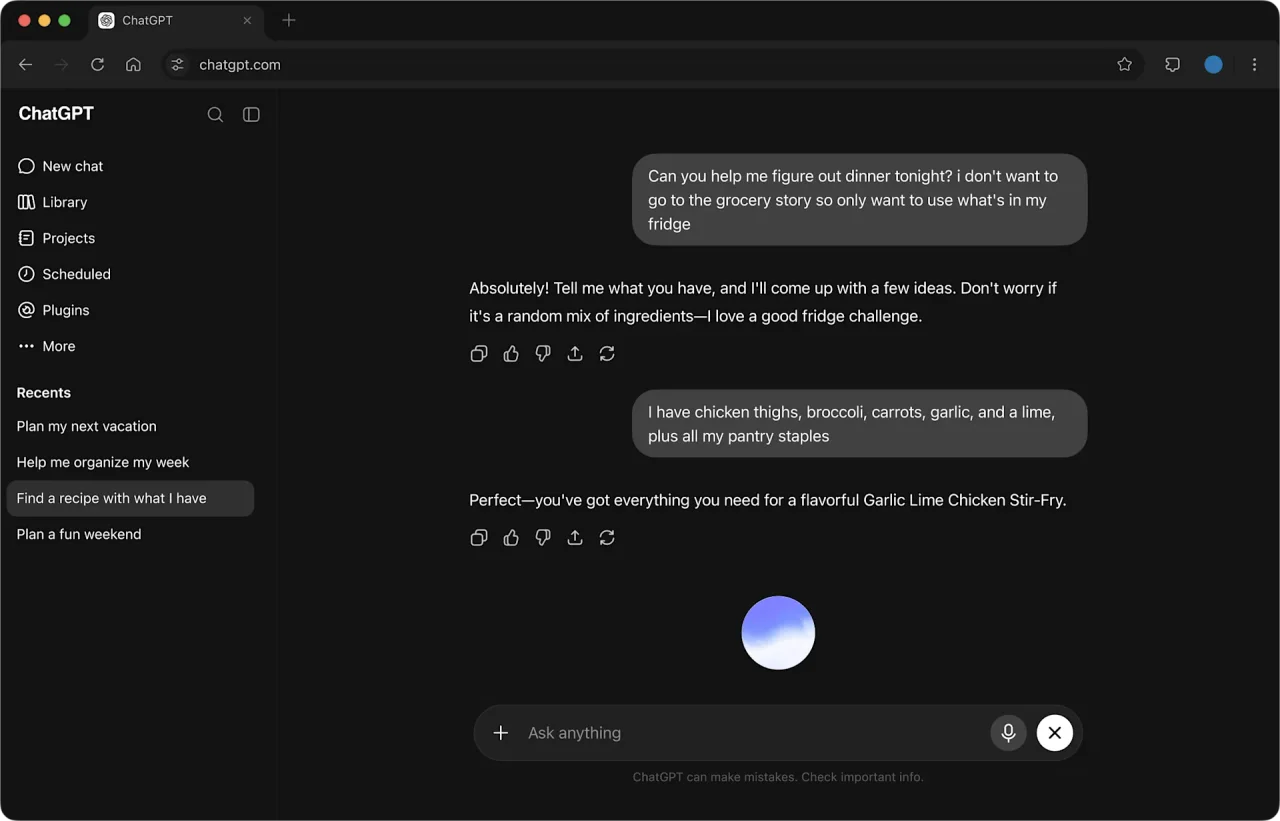
A conversation in ChatGPT: a recipe suggestion based on the ingredients supplied.
Source: OpenAI · official product page. Provider demonstration; interface and available features may vary.
Which plan to buy, and what each one unlocks
On October 18, 2026, OpenAI lists a Free plan and ChatGPT Plus at $20 per month in the US. Higher plans, Pro for individuals and Business for teams, are worth considering only if your usage or admin requirements go beyond Plus. Taxes, region and checkout terms can change what you actually pay, so confirm the final price at checkout. API usage is billed separately from any ChatGPT subscription.
The plan name tells only half the story. OpenAI's help center says Plus includes limited GPT-6 Astra usage in Work and Codex, with optional credits if you need more, but not Pro thinking in Chat, and that Astra in Chat maps to GPT-6 Pro on eligible Pro, Business and Enterprise plans. GPT-6.1 Sol is also rolling out to eligible paid plans in Work and Codex: your plan, workspace and rollout stage determine access, and it is not available in regular Chat. If deep reasoning in conversation is your priority, check these details before upgrading. If your priority is agentic work, Plus may already cover it.
Usage limits, shared allowances and API billing
ChatGPT Work and Codex share the same pricing, credits and usage limits, so heavy coding sessions reduce what remains for Work tasks. On Plus, that shared GPT-6 Astra usage is limited, not unlimited, and optional credits let you continue beyond it. OpenAI says usage depends on the model, context, reasoning, tool use and task size, and that tasks that look alike can consume different amounts. It publishes estimate ranges, not fixed limits, and points to the usage dashboard for reset times.
Do not estimate your allowance from API token prices. OpenAI states that API billing is separate from subscription usage and should not be used to estimate included tasks. If you hit limits regularly, compare the cost of ChatGPT credits with a higher Pro tier before changing plans.
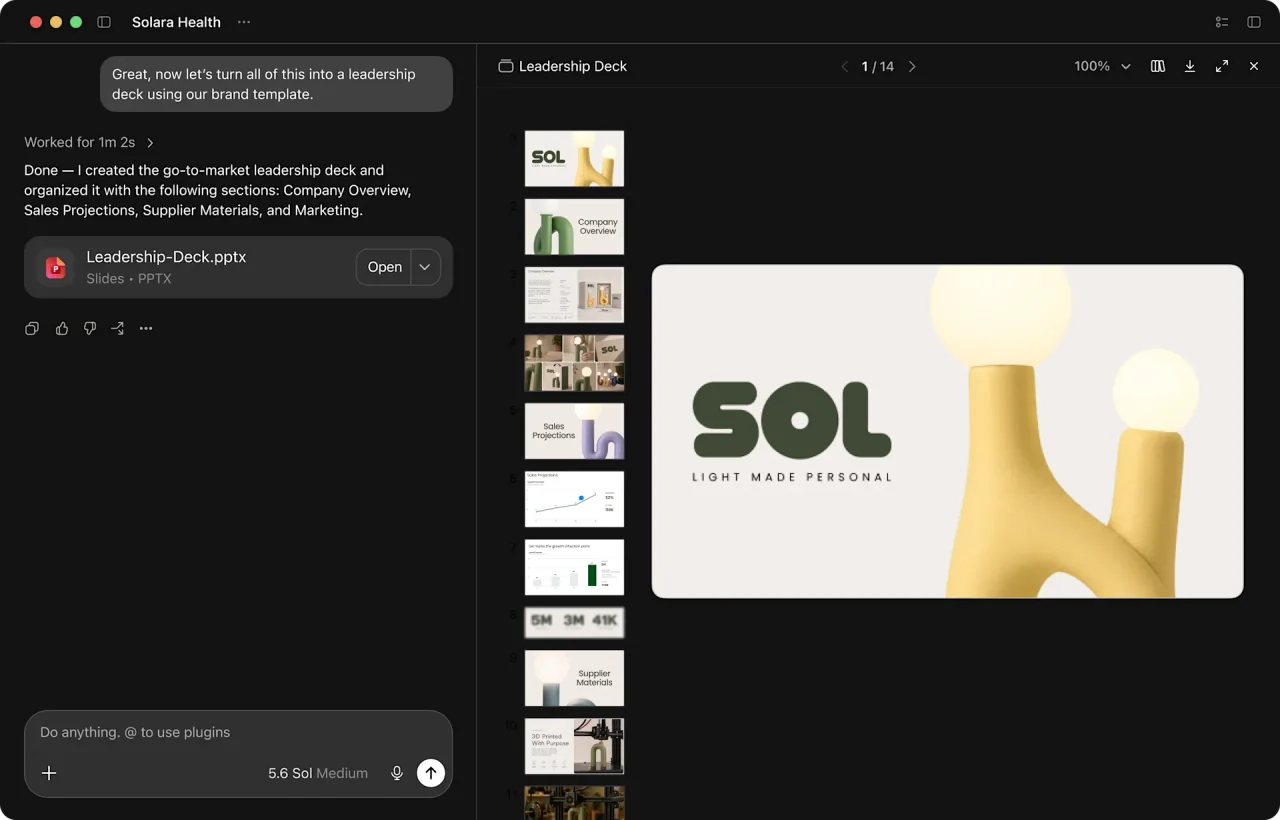
ChatGPT Work: a presentation preview alongside the conversation.
Source: OpenAI · official product page. Provider demonstration; interface and available features may vary.
Practical workflow and how to check outputs
Use ChatGPT for first drafts, restructuring, summaries and research outlines, then verify anything factual. Open cited sources yourself, check dates and figures against primary documents, and ask the model to list its assumptions. For files, compare a few extracted numbers with the original. Treat a fluent answer as a hypothesis, especially on recent events, pricing, regulations or anything published under your name.
Before uploading client material, check the account’s data controls and your organization’s policy. Turning off “Improve the model for everyone” excludes new ChatGPT conversations from training, but does not delete saved chats. Codex has an additional “Include environments” setting. Redact secrets and personal details that are unnecessary for the task, even in a business workspace.
ChatGPT versus Codex and other assistants
Chat is built for conversational work: writing, research, images and files. Work suits longer, multi-step deliverables that go beyond a single answer. Codex is OpenAI's agent for reading and editing repositories, running commands and tests, and reviewing code. Do not assume ChatGPT can test your local repository from a chat window. If most of your work is software, evaluate Codex directly, because model choice and network permissions affect its results more than the chat interface does.
Against other general assistants, decide on criteria rather than reputation: draft quality in your field, how often you have to correct facts, how clearly sources are shown, how quickly you reach limits and what you really spend each month. Run the same few tasks in each tool on your shortlist. Vendors update models within weeks, so a comparison from a few months ago may already be out of date.
AI Hunter's editorial stance as of October 18, 2026: for software work, we prefer Codex with GPT-6 Astra over Claude Code. This is an editorial preference, not a controlled benchmark, and it does not mean ChatGPT wins every task. Competition is moving fast, and we will reassess this position in the coming weeks.
Evaluate it on your own work
- Proposed protocol: list five real tasks from your week (a draft, a summary, a research brief, a file analysis and an image) and run each one in ChatGPT before upgrading.
- For each output, count the factual corrections you had to make after checking the original sources.
- Note which mode and model you used, and confirm in OpenAI's help center whether your plan includes that model in Chat or only in Work and Codex.
- After two weeks, compare your usage dashboard, including the allowance shared by Work and Codex, and your real monthly spend with the next plan tier before you change subscriptions.
This is a proposed evaluation protocol, not a controlled benchmark conducted by AI Hunter. Model versions, plans and limits can change within weeks.
Official sources checked for this update
- OpenAI Help: GPT-6 and other models in ChatGPT
- ChatGPT Work and Codex pricing
- OpenAI: data controls and Codex training settings
- ChatGPT Plus: price and features
- OpenAI Help: ChatGPT Work and Codex
Prices are in USD unless stated otherwise. Confirm availability, billing terms and usage limits with the provider before subscribing.
Features of ChatGPT
Pros and Cons
Pros
- Covers writing, research, file analysis and image work in one interface
- Clear plan ladder from Free to Pro, with Business adding admin controls, SAML SSO and MFA
- Plus includes limited GPT-6 Astra usage in Work and Codex, with optional credits beyond it, according to OpenAI's help center
- OpenAI's pricing page says Business data is not used for training by default
Cons
- Chat, Work and Codex follow different model and usage rules, which makes plans harder to compare
- Work and Codex draw on one shared allowance, and usage varies by model, context and task, so OpenAI publishes estimates rather than fixed counts
- GPT-6 Pro in Chat requires an eligible Pro, Business or Enterprise plan, not Plus
- Answers can be confidently wrong and need source checks before you rely on them
Ratings & Reviews


Use Cases
The fast, AI-powered PDF suite trusted by 700M users, edit, sign, convert and chat with documents.
Ready to try ChatGPT ?
OpenAI's general assistant for writing, research, files and images, with separate Chat and Work modes
Start for freeGuides featuring ChatGPT
- Best AI Search Engines in 2026: Perplexity, ChatGPT, Claude, Gemini
Compare Perplexity, ChatGPT, Claude and Gemini for AI search: citations, research modes, free access and plan limits, with a practical way to test them yourself.
- Free ChatGPT Alternatives in 2026: 7 Options by Task
Claude, Gemini, DeepSeek, Mistral Vibe, Perplexity, Grok and Poe compared by task: what free access covers, where limits apply and how to test them.
- Best AI Chatbots in 2026: ChatGPT vs Claude vs Tidio vs ManyChat vs SleekFlow
ChatGPT, Claude, Tidio, ManyChat and SleekFlow compared: the best AI chatbots in 2026 for general assistance, customer support, ecommerce and conversational commerce.
- Best AI Tools for Solopreneurs in 2026: ClickUp vs Notion AI vs Brevo vs ChatGPT
ClickUp, Notion AI, Brevo, ChatGPT and Reclaim.ai compared: the best AI tools for solopreneurs in 2026 covering ops, marketing, productivity and admin.