
Every client proposal repeats the same preparation. Someone sorts the meeting notes, matches the scope to an approved price list, rebuilds the slides, then checks that the file still opens correctly on the client side. This guide, dated 21 October 2026, shows how consultants, agencies and small businesses can hand that repetitive layer to AI. People still control the facts, the prices and the promises. The aim is to leave more attention for listening, negotiating and delivering.
In short
Three tools for proposal presentations
 SlidesAI
- Best for
- Teams that want to stay in their native editor and start from Word or PDF
- Plan
- Pro: EUR10.69 per user per month, 2,500 AI credits
- Delivery
- PPTX, Google Slides or PDF; add-ons inside Slides and PowerPoint
- Watch out
- Credits measure AI usage, not a number of finished presentations
 Beautiful.ai
- Best for
- Consultants who need a clear visual structure before handing the file over
- Plan
- Pro: USD45/month, or USD12/month billed annually (USD144/year)
- Delivery
- Editable PowerPoint or Google Slides export on Pro
- Watch out
- Animations and transitions are not retained on export
 Pitch
- Best for
- Freelancers who maintain a proposal workspace and deliver PPTX files
- Plan
- Plus: EUR12/month, 1 seat, 500 AI credits
- Delivery
- PPTX export on Plus; test the import into Google Slides
- Watch out
- Analytics and pitch rooms require a higher plan
SlidesAI: AI inside Google Slides and PowerPoint
SlidesAI runs as a web platform and also as a Google Slides add-on and PowerPoint add-in. It lets you review outlines, rewrite text and export to PPTX, Google Slides or PDF.
Choose your entry point based on where the final file will live. If your template already sits in PowerPoint or Google Slides, the add-on or add-in keeps the work in that file. If you start on the web platform, run one export test first. To get to Google Slides from PowerPoint, plan an import step. Estimate credits per revision round, not per proposal.
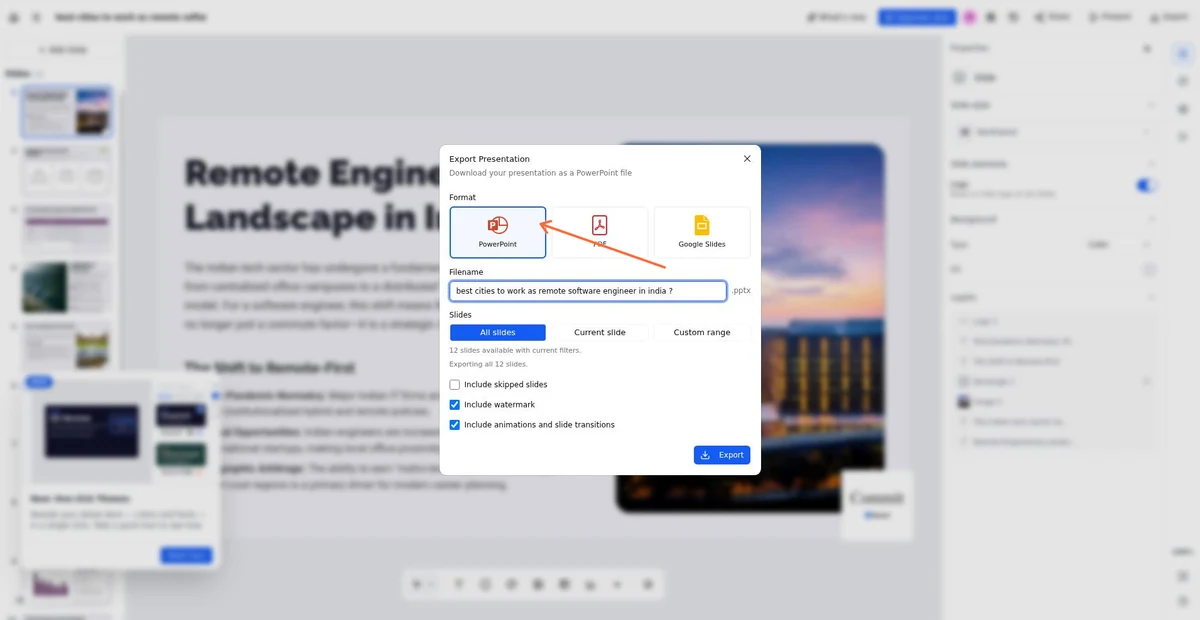
Beautiful.ai: visual structure before delivery
Beautiful.ai builds presentations from a prompt, an outline or source files, and shows you the outline for review before design. Themes and Smart Slides handle layout automatically, then you refine content and placement.
Treat the outline review as your fact check. Approve the story against the brief before any design appears, because a polished layout can make a weak argument look finished. Custom brand styling is part of Pro, so set it up once. At delivery, choose the editable PowerPoint export, not PowerPoint Images, which produces static slides.
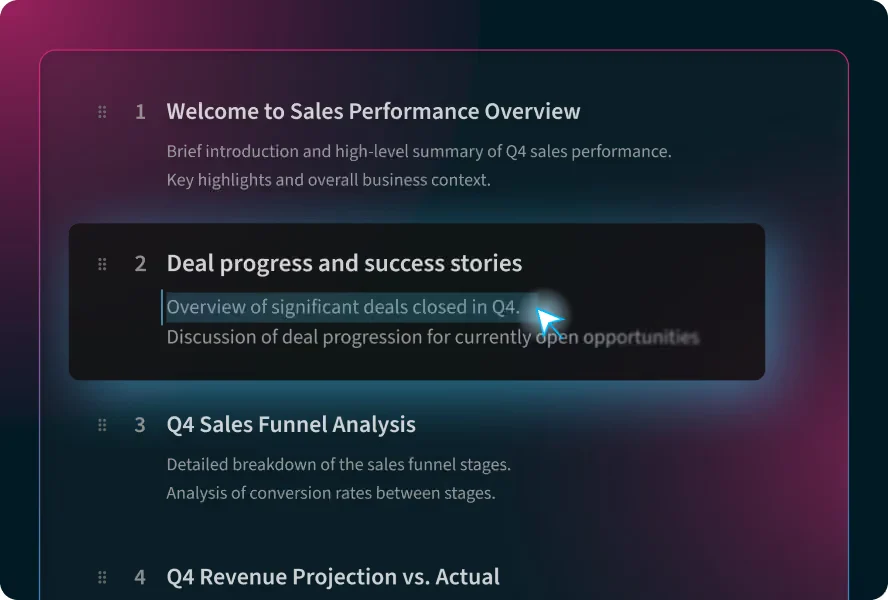
Pitch: a proposal workspace with PPTX export
The Pitch AI agent takes a prompt and files as context, applies a brand template you choose and accepts refinements through chat. PowerPoint export is included from the Plus plan.
Pitch fits best when proposals live as a maintained library: one approved template, reusable sections and regular updates. If the client works in Google Slides, import a sample PPTX yourself before promising that format. If several people will edit, compare the Team plan. Don’t assume Plus covers more than one seat.
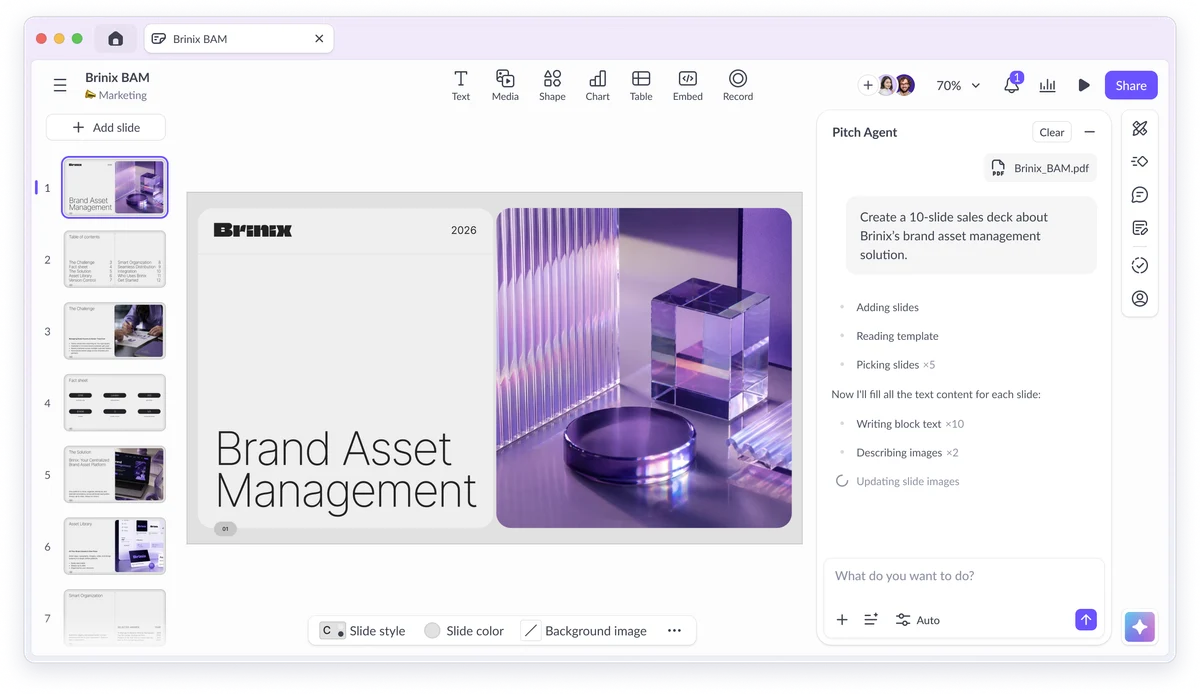
Adobe Express vs Beautiful.ai for an on-brand 8-slide proposal
From client brief to an approved story
Take a hypothetical agency client that wants a new B2B website. Before you open any tool, gather the sources and separate what is confirmed from what is assumed.
- Sources: discovery meeting notes, the approved scope, your current price list, case studies you have permission to cite, and the brand charter. Anything outside these files stays out of the presentation.
- Keep fixed facts (the budget range given, the launch constraint, the decision makers) apart from assumptions and unanswered questions, such as content migration or hosting. Unknowns stay visible as questions for the client and are never filled with invented answers.
- Ask ChatGPT or Claude to structure only these facts. Copyable prompt: “Using only the notes, scope and price list below, draft an outline for an 8-slide sales proposal for the client’s marketing director. Budget: use only options from the approved price list. List unknowns as open questions. Name the source file for each claim. Do not invent ROI, testimonials or references. Final slide: the decision we are asking for.”
A proposed eight-slide commercial presentation
This plan is an illustrative proposal, not a tested output. A sales proposal asks a client to approve scope, budget and next steps. An investor pitch asks for funding on the strength of a growth story. Keep your proof real: cite permitted work and never invent metrics.
- Slides 1-3: the client context and the decision expected; the problem as observed in discovery, in the client’s own words; the objective both sides agreed on.
- Slides 4-6: the recommended approach and the reasoning behind it; deliverables with explicit exclusions; a timeline with responsibilities on both sides, including client feedback and content deadlines.
- Slides 7-8: budget options built only from the approved price list; the next step, open questions and the date the decision is needed. Add a permitted case study where it supports a specific point.
Cost, budget and a two-tool pilot
Run the same approved brief and the same eight-slide plan through two candidate tools. Generation speed tells you little. The review work that follows decides the real cost.
- Measure for each tool: time to a first draft, time spent rewriting and fact-checking, brand and layout fixes, export fixes in PowerPoint or Google Slides, and the final review by the person who signs the offer.
- Illustrative figures only, not vendor prices or a return estimate: 10 proposals a month with EUR30 of subscription allocated, plus 3 hours of review at EUR40 per hour, comes to EUR150, or EUR15 per proposal. AI credits included in a plan are not a separate cost, so do not count them twice.
- Pay annually only after a real export has opened and been edited correctly on the client side. Match the number of seats to the people who actually edit, and check which plan unlocks the export format you need.
Editable delivery checklist
A .pptx extension does not prove that every object can be edited. Accept a delivery only after these checks, carried out in the software the recipient actually uses.
- Open the file in the recipient’s PowerPoint or Google Slides. Change a price and the client name, edit a chart value and its legend, and confirm that the text is real text, not a flattened image.
- Check sources, data and units, fonts and line breaks, footers and logos, links, presenter mode and contrast on a projector. Remove internal notes and comments from the client copy.
- Keep three versions: the approved master, a working copy and the client delivery. Add a PDF backup, which never replaces the editable file. Know which one you are checking: a downloaded file, an edit made in a native add-in or a web share link.
Reusable production without automatic sending
Once the pilot works, turn it into a repeatable routine in which nothing reaches a client until a named person releases it.
- Keep an approved presentation template, a source folder per client, the brief and a naming rule such as Client-Offer-Date-v03. Unknown facts stay flagged in the working draft and are resolved before delivery.
- Split the review: the sales owner checks prices and promises, a subject expert checks claims, a designer checks the brand, and the owner releases the file. ChatGPT or Claude can list likely objections to help you prepare the meeting.
- For repeated work, Codex or Claude Code can help write scripts that check files or assemble templates. Run them in dry-run mode first and have a person review the output. The time freed goes to customer discovery, negotiation and strategic recommendations.
FAQ
What is the best AI for business slides?
There is no single answer. Choose the way you want to work first: inside PowerPoint or Google Slides, with a visual structure reviewed before design, or in a maintained proposal workspace. Then pilot two tools on the same brief.
Can AI turn a Word or PDF document into a presentation?
Yes, several tools accept documents as input. SlidesAI, for example, accepts PDF and Word uploads. Treat the result as a draft and check that every figure and promise comes from the source, with nothing added.
Can my client edit the PPTX file?
It depends on the export option and the objects preserved. Open the file in the client’s application and change text, a price and a chart value. Focus on the elements the recipient will need to update.
Can I work in Google Slides?
Some tools work natively inside Google Slides through an add-on. Others export a PPTX that you then import into Slides. Native editing skips a conversion step, while an import should be tested for fonts, charts and layout.
What can ChatGPT or Claude do for a proposal?
They can turn approved notes into an outline, draft a structuring prompt, rewrite slide text more clearly and list possible objections. Check every output against your sources, because they can present an assumption as a fact.
Is the 5-5-5 rule mandatory?
No, it is a rule of thumb: about five words per line, five lines per slide, and no more than five text-heavy slides in a row. It is better to aim for one message per slide, readable from the back of the room.
Is a free plan enough?
It may be enough to evaluate a tool, but limits change, so check them yourself. Before you rely on it for client work, verify export formats, watermarks and usage quotas on a real proposal.
How do I protect client information?
Never add figures the client did not provide, upload only the data the draft needs, and use tools your organization has approved. Remove internal comments before delivery and keep confidential documents out of shared prompts.
Sources · 21/10/2026
Official pricing and feature pages checked on 21 October 2026. G2 ratings apply to the whole product and do not measure export accuracy. Taxes, currencies and billing periods differ between vendors.
Related guides
Continue with the general presentation guide, AI proposals and quotes, and sales-call analysis.
 Best AI Presentation Tools in 2026: Gamma vs Beautiful.ai Compared
 AI Sales Proposals and Quotes 2026: A Practical Buyer Guide
 AI Sales Call Analysis and Coaching: 4 Tools for 2026
Find the best AI tool
215 tools listed with features and pricing. Find the one that fits your needs.