
A brand kit is more than a logo. It is the set of files and rules that makes a flyer, a social post and an invoice look like they come from the same business, so you don’t start from scratch each time. This guide covers three tools that can help a small business build or store that kit in 2026. It also covers what you should end up with: usable files, written rules and templates you can edit.
Start with the task: ChatGPT and Claude before any design tool
Before comparing design tools, list the repetitive work in your week: recurring customer questions, quote emails, announcements to adapt. The goal is not to produce more, but to free time for you and your team: customers, fieldwork, negotiation and decisions that rest on your judgment. Start with one recurring task and an assistant you already use. A small, practical trial can keep setup and spending manageable before you expand.
ChatGPT and Claude: drafting from approved facts
Give ChatGPT or Claude your approved facts: services, prices and tone. Ask it to clarify your offer, draft recurring quote emails and customer replies, or prepare a campaign brief and a brand tone guide. This is drafting: the assistant proposes, a person checks figures, commitments and tone before sending. GPT-6 access depends on your plan and the rollout; GPT-6 Pro is powered by GPT-6 Astra; Codex is OpenAI’s coding agent.
Codex and Claude Code: when something must be built
Agentic execution goes beyond drafting: Codex and Claude Code (not the same as Claude) can read and edit code and run commands to build an automation, a branded page or a quote request form. This requires technical setup, limited access permissions and review before going live. Many small businesses will not need it: connected workflows in the tools you already use are often a better first step.
Hypothetical example: a local bakery
Imagine a fictional bakery. Each Monday, the owner approves the weekly menu and prices. The assistant drafts consistent text for the website, social media and customer replies. An automation configured with Codex or Claude Code prepares the files or queues the drafts. Checkpoint: an employee verifies prices and availability, then publishes. Visuals stay in the chosen design tool. Recovered time goes to serving customers, quality and relationships. During the trial, measure manual handling time, corrections, errors and time returned to the business. No need to subscribe to everything: pick one repeated task and assess the benefit.
Read our review : ChatGPT · Claude · Codex · Claude Code
Official source : OpenAI — GPT-6 · Anthropic — Small Business · Claude Code
If you are starting from nothing and need a logo plus matching materials, look at Design.com. It pairs AI logo generation with business cards, social templates, websites, presentations and email signatures. If you already have a logo and colors and want everyone to reuse them, Canva Pro’s Brand Kit is built to centralize existing assets and templates. If your files already sit in Adobe or a Creative Cloud Library, Adobe Express can turn that library into a brand and apply it to new designs. Creating a kit and managing a kit are two different jobs: the first produces the identity, the second stores it and applies it consistently. Choose the tool for the job you actually have.
This selection is based on official product pages and help documentation checked on October 18, 2026. We did not test these tools hands-on for this guide, so it contains no scores, speed measurements or output comparisons. When we suggest something to check, that is our editorial recommendation and not a vendor statement. Plans, export formats and prices change, so confirm them on the vendor site before you pay.
AI Hunter has an existing commercial relationship with Design.com, and some outgoing links on this page may be affiliate links. This guide is a selection based on documentation. The relationship does not mean we tested the product hands-on, and it does not guarantee any result.
Compact comparison
 Design.com
- Strongest use
- Creating a new identity: AI logo generation, prompt edits to fonts, colors and layout, then business cards, social templates, websites, presentations and email signatures
- Check before you commit
- Confirm export formats, editable files and total cost for your selected plan; we have not verified a single bundled kit entitlement
 Canva
Canva
- Strongest use
- Managing an existing identity: Pro Brand Kit centralizes logos, colors, fonts, imagery, templates and guidelines, and Canva AI can use Brand Kit and Brand Templates
- Check before you commit
- Canva presents Brand Kit as part of Pro; check the applicable plan and team access instead of assuming the full kit is free
 Adobe Express
- Strongest use
- Managing assets in an Adobe workflow: logos, colors, fonts, graphics and templates, with Creative Cloud Libraries convertible into a brand
- Check before you commit
- Adobe lists Brand Kits among Premium features; confirm font permissions and exported file contents
Design.com: create the identity and the first deliverables together
Design.com combines AI logo generation and prompt-based changes to fonts, colors and layout with tools for business cards, social posts, websites, presentations and email signatures. It is an option to consider when you need a first identity and several launch materials. Our recommendation is to approve the logo, colors and fonts first, then apply those choices deliberately to each format.
We have not verified which export formats or assets are included in each offer. Before buying, confirm vector and transparent versions, editable files, the total charge and what remains accessible after cancellation. Do not assume one purchase includes every product or that designs synchronize automatically.
Read our review — Design.com · Visit site — Design.com
Canva: one shared home for an identity you already have
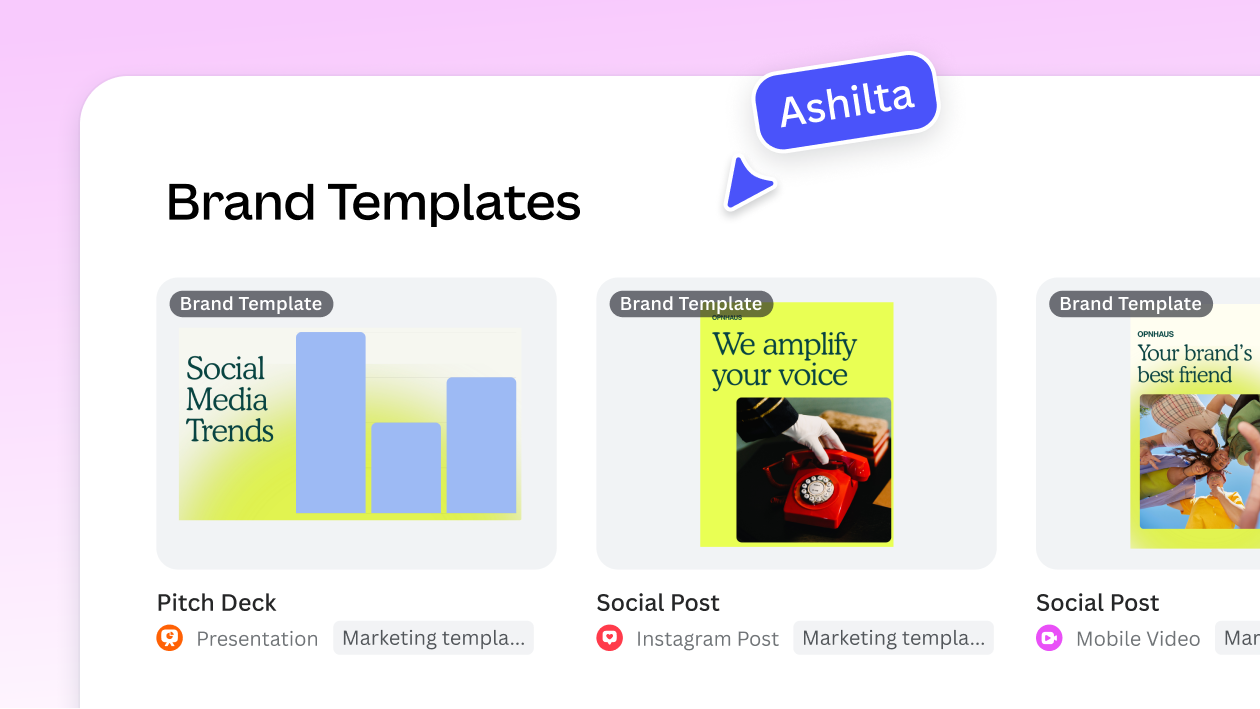
Canva describes its Pro Brand Kit as a shared foundation of logos, colors, fonts, imagery, templates and guidelines. Canva AI can use the kit and Brand Templates when producing designs. We would shortlist it for a business that already has an identity and wants to reuse approved assets across regular content. Review AI drafts for consistency before publishing.
The official page positions Brand Kit within Canva Pro. Check your applicable plan, user access and current limits rather than assuming the full workflow is free. Storing assets does not decide your brand positioning for you.
Read our review — Canva · Visit site — Canva
Adobe Express: brand assets for teams already in Adobe
Adobe Express lets you store brand logos, colors, fonts, graphics and templates, then apply them to designs. Its guide explains how to upload brand assets and reuse them in new projects. A Creative Cloud Library can also be converted into a brand, which helps if a designer has already organized your assets in Adobe. AI features such as Generate Image and Text Effects sit alongside the brand tools for quick promotional content.
Adobe lists Brand Kits as a Premium feature although the app also has a free tier. Confirm whether collaborators can access the required assets and whether your exported files contain everything you need. Check font permissions before distributing files.
Read our review — Adobe Express · Visit site — Adobe Express
Practical brand kit checklist
- Logo versions: primary, horizontal or stacked, icon only, one-color and a version for dark backgrounds, each in vector and transparent PNG where your plan allows.
- Color palette with exact hex codes, plus a note on which colors are for text, backgrounds and buttons.
- Font names with their licenses, confirming each font may be used in print, on the web and anywhere you embed it.
- Editable templates for social posts and for documents such as quotes, invoices and menus, stored where you can open and change them.
- Clear folder naming such as brand/logo, brand/colors, brand/fonts and brand/templates, with dated versions instead of files named final-final.
- Export access: know which formats you can download today, whether stock images in your designs carry their own license, and who on the team can share or download.
Six-step launch workflow (hypothetical bakery example)
- Write the brief. In this hypothetical example, not a real client case, a neighborhood bakery notes its name, its audience, three words for its tone, and where the brand will appear: sign, boxes, Instagram and a price list.
- Decide whether to create or reuse. With no logo yet, the bakery generates options in a tool like Design.com. A bakery with a sign it already likes would skip to storing that identity in Canva or Adobe Express.
- Lock the basics. It picks one logo, adjusts colors and fonts, and records the hex codes and font names before making anything else.
- Export and file the masters. It downloads every logo version it is entitled to and saves them in a dated brand folder outside the tool.
- Build the working templates. It creates editable templates for a weekly specials post, a price list and a gift card, all using the saved colors and fonts.
- Review after launch. A few weeks later it compares the sign, boxes and posts side by side, fixes anything that drifted, and updates the kit once instead of file by file.
How to compare total cost
Compare total cost rather than the headline price. Note whether the price is monthly or annual, what it renews at after any introductory period, and whether it is per user or covers a team. Check whether logo files, high-resolution downloads or premium templates cost extra or are limited. Then estimate a year of use: one person or three, one brand or several, a one-time logo purchase or an ongoing subscription. We did not verify current prices for these tools, so treat the vendor checkout page as the reference.
Keep or replace your existing identity
If customers already recognize your logo, start by organizing the existing files, colors and fonts. Missing source files or poor legibility are reasons to investigate a repair before commissioning a complete redesign. A partial refresh may be enough. Keep exported working files and records of font and stock permissions together. A generation tool is not a substitute for checking whether a proposed identity is appropriate for your business.
Frequently asked questions
Which tool is the best fit for a small business brand kit?
There is no universal winner. Design.com fits a business that is creating its identity and needs first materials. Canva fits a team reusing an existing identity across many designs. Adobe Express fits a business whose assets already live in Adobe. Choose based on whether you are creating a brand or managing one.
Can I get a complete brand kit for free?
A free design app or preview does not establish that a complete reusable kit is free. Canva positions Brand Kit within Pro, and Adobe lists Brand Kits among Premium features. We have not confirmed the complete Design.com kit entitlement. Check downloads, editable templates and recurring access before committing.
What is the difference between a logo and a brand kit?
A logo is one asset. A brand kit is the set that makes it usable: logo versions, a palette with hex codes, font names and licenses, editable templates and short rules for applying them. Without a kit, every new design reopens the same decisions.
I already have a logo. Do I need a new one?
Usually not. Upload it to Canva Pro’s Brand Kit or Adobe Express, add your colors and fonts, and build templates around it. A new logo makes sense only if the current one cannot be reproduced cleanly or no longer fits the business.
Will I get editable files I can use outside the tool?
It depends on the tool and the plan, and we did not verify each plan’s formats. Before paying, confirm which file types you can download, whether vector files are included, and whether templates can be edited only inside the platform. Keep exported masters in your own folder.
What happens to my brand assets if I cancel?
Confirm what happens to editing, downloads and premium assets under the selected plan before subscribing. Save the files you are entitled to export, together with a palette and font list, outside the platform. We have not verified cancellation entitlements for every offer, so do not assume continued editor access.
Should I still involve a designer?
A designer can help review legibility, consistency and the suitability of your proposed identity, and prepare the source files you need. Consider a review before committing to signage or packaging. Define the deliverables and applicable font permissions together before the work starts.
How do I keep my brand consistent across a team?
Keep one approved kit in a shared tool, lock templates where the tool allows it, and write a one-page rule sheet covering which logo goes where, which colors are for text and which fonts to use. Review a sample of published designs from time to time, and update the kit rather than individual files.
Related guide
If you are still deciding on the logo itself, our related guide covers that step. Come back here when you need the files, rules and templates around it.
Tools mentioned
Find the best AI tool
215 tools listed with features and pricing. Find the one that fits your needs.