
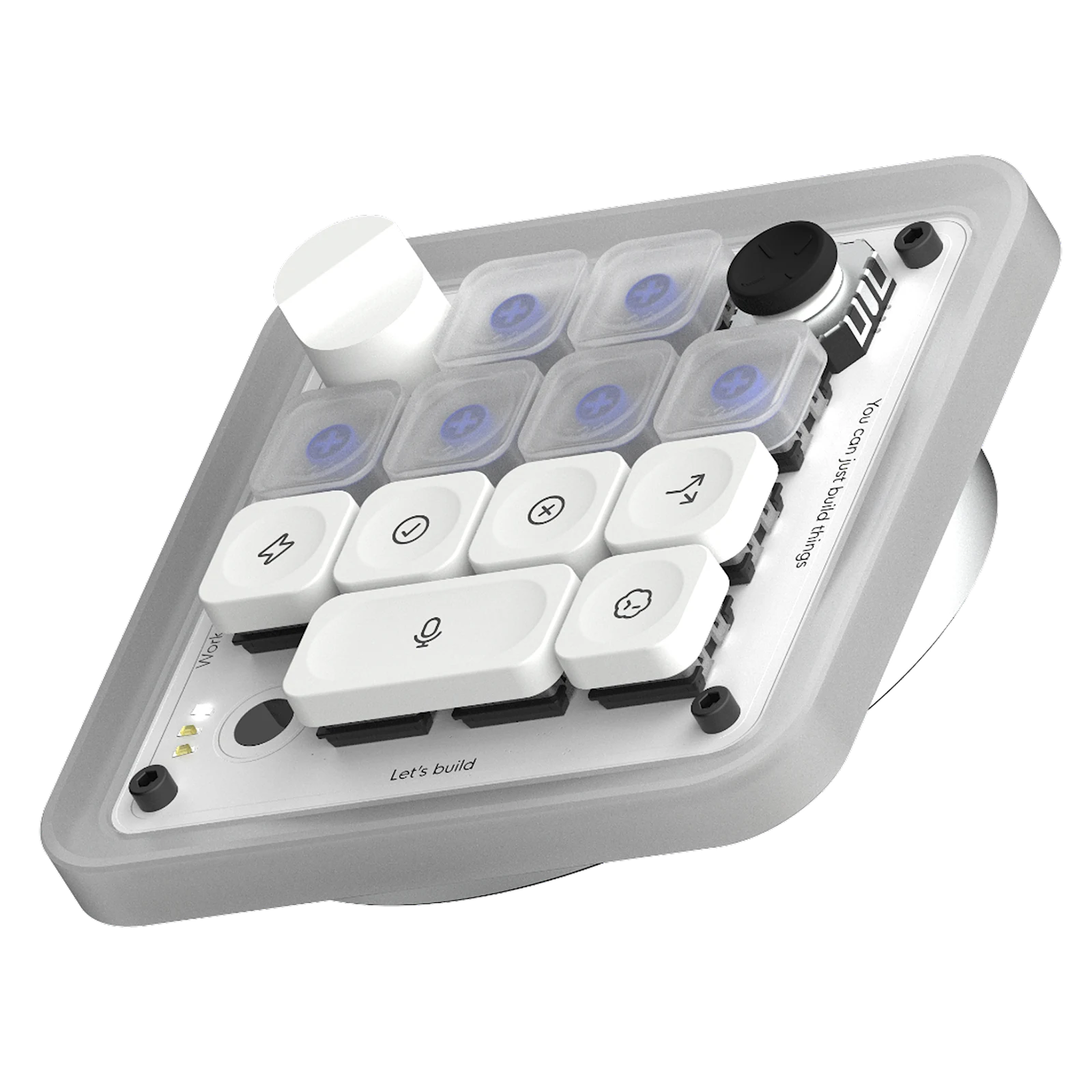
A $230 mechanical keyboard with a dial, a joystick and illuminated keys: on paper, Codex Micro looks like just another desk accessory. OpenAI introduced it in an official video published on July 15, 2026, and press coverage mostly focused on its price and spec sheet. The real question lies elsewhere: if an AI company builds a peripheral to drive its agents, it means the way we work with them has changed. You no longer just write an instruction: you launch several jobs, monitor them, and make the calls.
What Codex Micro actually is
Codex Micro is a Work Louder and OpenAI collaboration. This small device controls the app: it is meant to trigger actions and track the status of conversations, not to replace your computer. OpenAI’s product page describes it as follows:
| Item | What the official source states |
|---|---|
| Price | $230, shown as out of stock as of November 11, 2026 |
| Keys | 13 mechanical switches |
| Controls | Dial, joystick, touch sensor |
| Connectivity | USB-C and Bluetooth |
| Systems | Listed as Mac and Windows compatible |
The highlighted actions: accept or reject an agent’s proposal, dictate, trigger “skills”. The store presents the dial as a way to adjust the reasoning level. One nuance: ChatGPT’s help documentation says that, by default, the dial is used to navigate the Composer, and that “Reasoning” mode is only an option you can turn on. The keyboard works with the ChatGPT desktop app without going through Work Louder’s Input software. It has no built-in microphone: dictation uses your computer’s mic. OpenAI notes that Work Louder’s Creator Micro 2 is also compatible.
Keys that show agent status
The most interesting part is on Work Louder’s setup page. Six “Agent Keys” each track the status of one conversation: white when the agent is idle, blue when it is thinking, green when it has finished, amber when it needs input, red on error. A single or double press switches from one job to another. For other apps, Work Louder’s Input software offers six layers of customizable shortcuts.
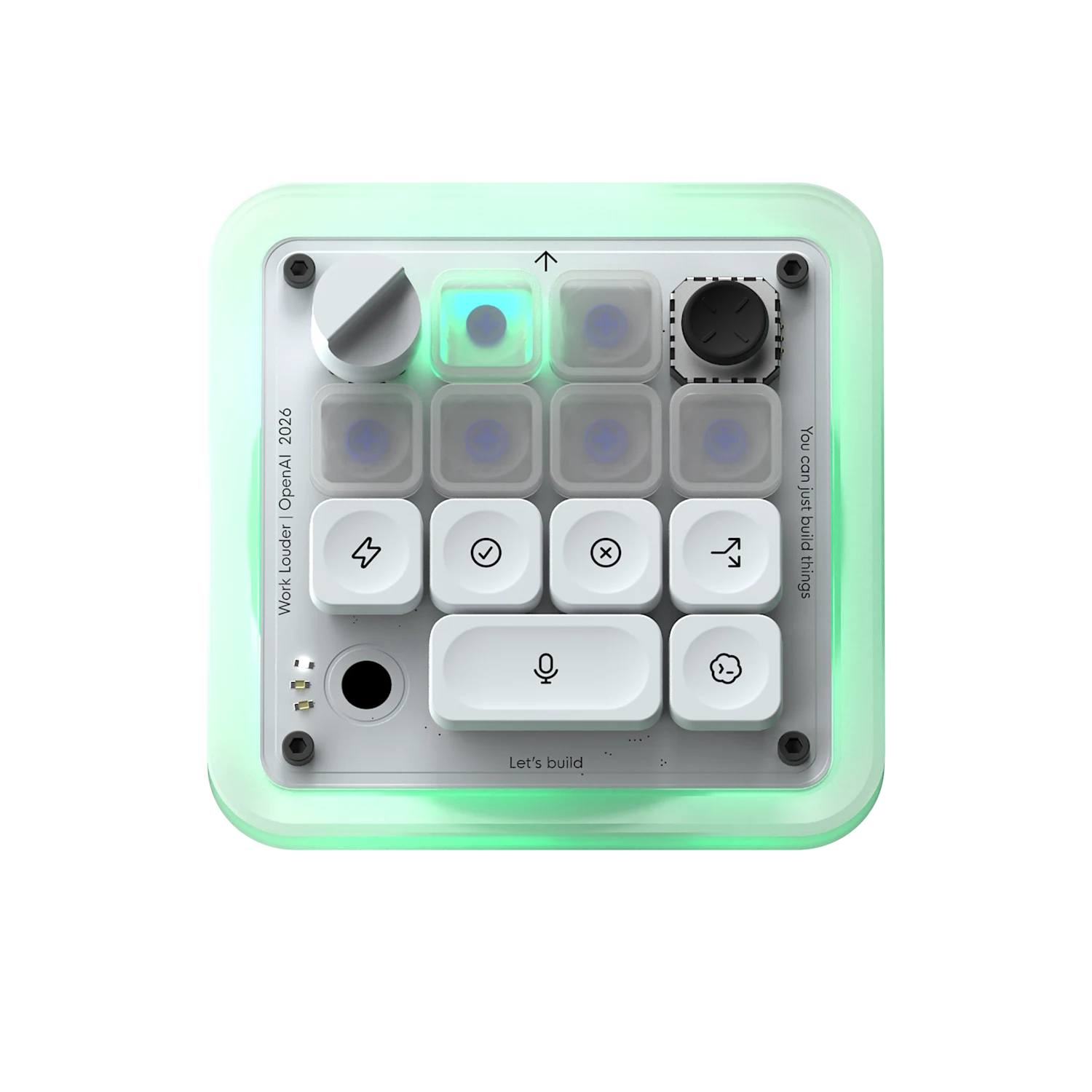
This two-way information, documented by both sources, is what sets Codex Micro apart from a generic macropad. On top of a shortcut that triggers an action, you get an indicator of where the work stands. The value of this collaboration therefore lies as much in the software integration as in the mechanical keys.
Supervising, not just prompting
Our take: the keyboard makes a shift in the bottleneck tangible. With a single fast agent, prompt quality was the main lever. With several agents running in parallel for minutes at a time, what slows things down is the person who has to know where each one stands, choose what to review first, and unblock the one that is waiting.
Without a visual cue, this tracking means opening tabs one by one. A row of colored keys turns it into a control panel: who is working, who is done, who is waiting. The skill that gains value is no longer just phrasing things well, but prioritizing, reviewing and deciding well.
Agent at work (blue) → agent finished (green) or waiting (amber) → human decision: review, approve, correct or relaunch.
What a three-agent workflow could look like
A hypothetical example, not tested on the device. A developer launches three jobs in parallel: a code review on a branch, a search through a library’s documentation, and writing unit tests. The search key turns green first; the tests key turns amber because the agent is asking for permission to run a command; the review stays blue. She examines the requested command, approves it if it is appropriate, then reads the search result while the other two keep going.
The potential gain lies in this sequencing: less back-and-forth between windows, fewer forgotten jobs. We don’t put a number on it, since we have no measurement.
What the keyboard does not guarantee
A green key signals that processing is finished, not that the result is good. An agent can wrap up a review that misses a real problem, or tests that pass without checking anything. Approving faster reduces friction, but it does not replace review. The risk of having an “accept” button under your finger: making approval too easy. We covered this verification question in detail in our Co-Review review on checking AI-generated code.
Another limit: when tasks are simple and sequential, existing keyboard shortcuts may be enough. This is reasoning, not a tested comparison: a status indicator is only worth it if there are several states to monitor.
Who it’s for, and at what price
The most relevant profile is someone who runs several Codex agents every day. For occasional use, a $230 purchase deserves more thought: customization options don’t guarantee you will actually use these controls day to day. Availability is another factor: as of November 11, 2026, OpenAI’s page lists the product as out of stock. The right question before buying: does your time go into production or into checking? It’s the same logic as in our article on open-source AI replacing SaaS: the cost of building goes down, and value shifts toward verification.
The real issue: staying in control while agents work
Codex Micro is not a hardware revolution; it is a visible sign of a broader shift. It shows that working with AI agents increasingly resembles supervising a small team, with queues, permission requests and results to review. Whether or not you buy this keyboard, the skill to develop is the same: decide quickly what deserves a review, and never confuse “done” with “right”.
Related guides
Comparisons and guides covering adjacent topics.
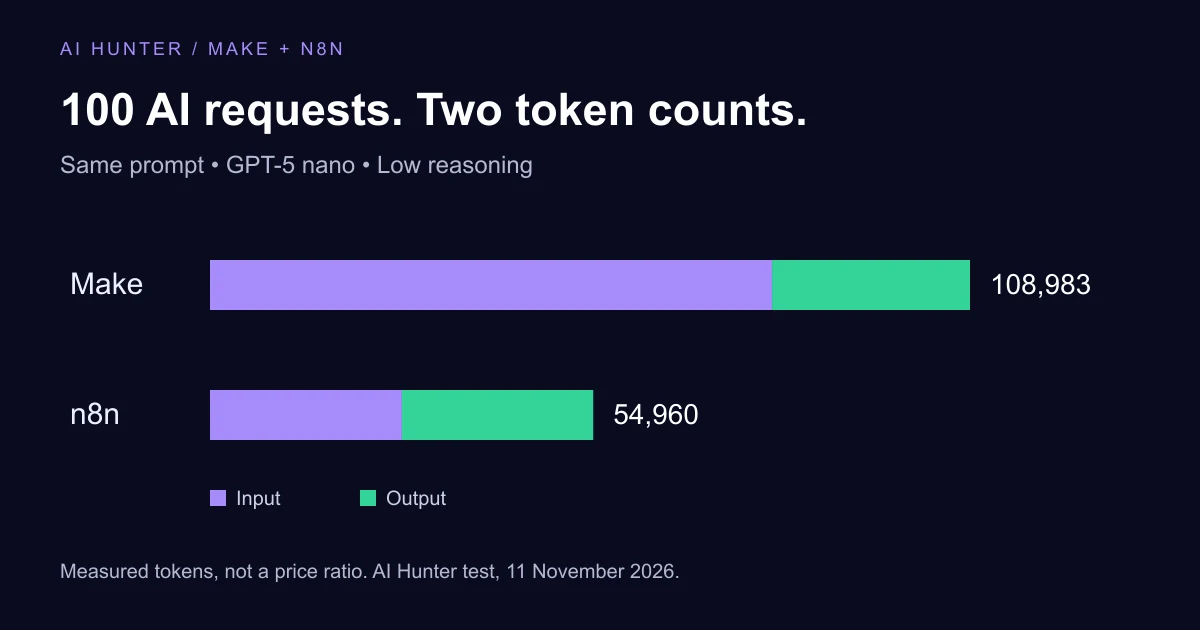
Make vs n8n: What 100 AI Requests Actually Cost
Make and n8n processed the same 100 AI requests with GPT-5 nano. We measured credits, executions and tokens to estimate what automation really costs.

Best AI Coding Assistants in 2026: Cursor vs Claude Code vs GitHub Copilot vs Windsurf
Cursor, Claude Code, GitHub Copilot, Windsurf and Tabnine compared: the best AI coding assistants in 2026 covering autocomplete, agentic editing, terminal-native and self-hosted.
Tools mentioned
Find the best AI tool
215 tools listed with features and pricing. Find the one that fits your needs.